




Your target market is out there, waiting for you to find them. Find, reach, and market to your dream customer faster with the best target audience tools available in 2024. Keep reading to see our list of the top audience research tools!
7 best target audience tools for market research
This year, the best target audience tools for market research include:
1. Google Analytics
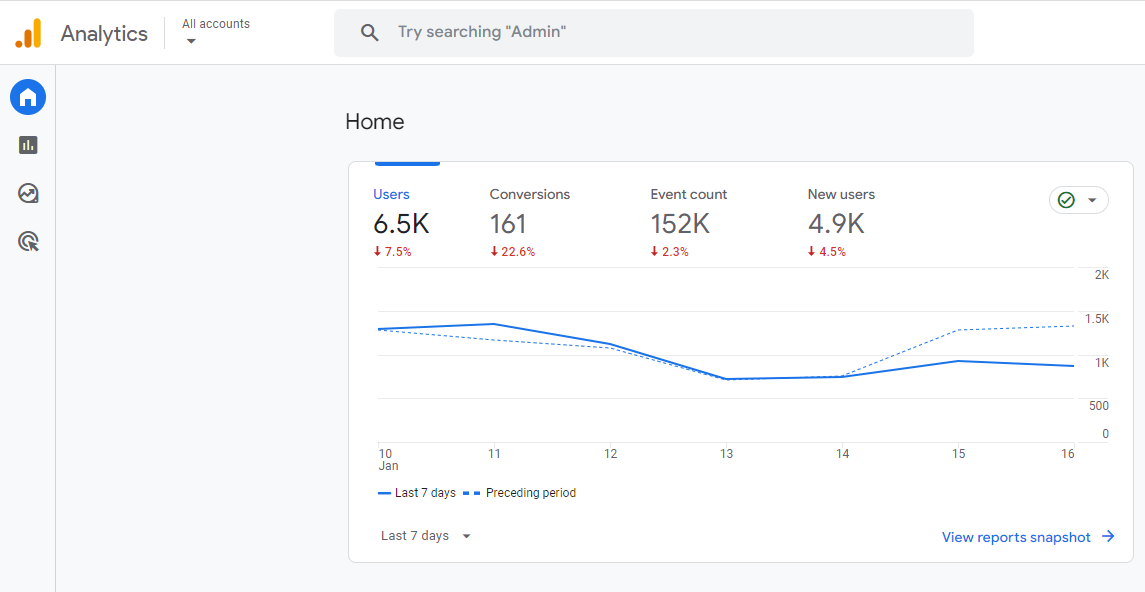
What it is: A free website analytics platform.
Why we like it: A free tool with exceptional insights that all businesses can use.
| Pros | Cons |
| Free | Learning curve |
| Customizable reports | Data expires after a set period |
| Buyer journey insights | |
| Integrates with multiple platforms |
2. Semrush
What it is: A paid marketing toolkit platform for search, paid, and social campaigns.
Why we like it: It provides an omnichannel solution to modern-day marketing.
| Pros | Cons |
| Omnichannel marketing friendly | Paid |
| Competitor insights | Learning curve |
| Regular updates |
3. Google Trends
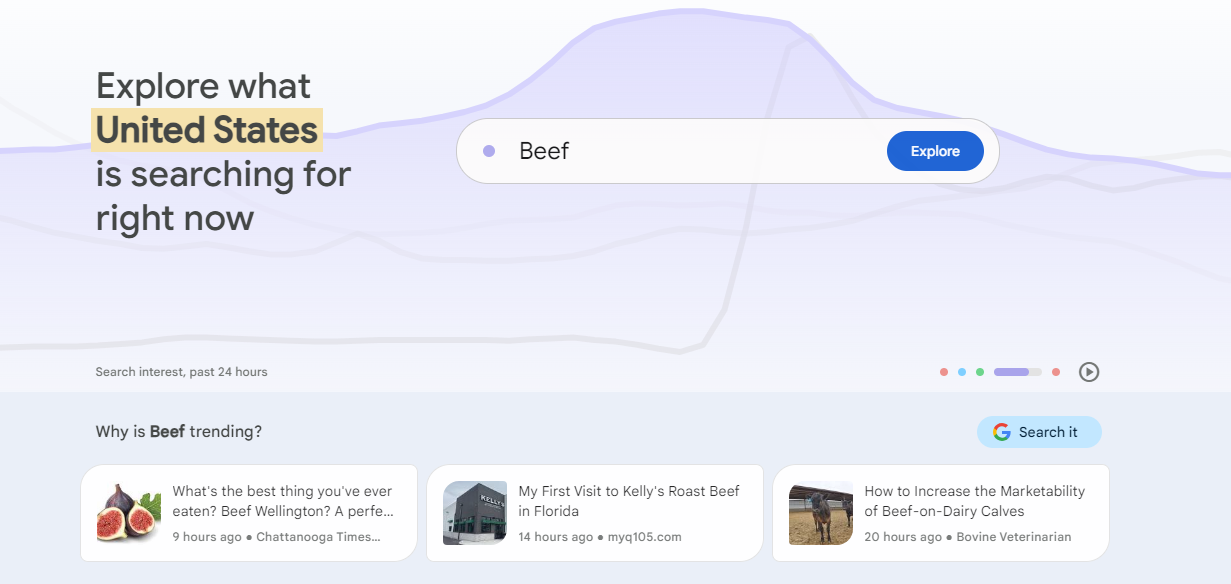
What it is: A free tool for analyzing changes in search behavior.
Why we like it: It delivers a fast, free, and easy-to-use tool for spotting emerging market trends.
| Pros | Cons |
| Free | Limited to Google search data |
| Accurate, real-time data | Limited demographic data and zero psychographic data |
| Search comparison |
4. Facebook Audience Insights
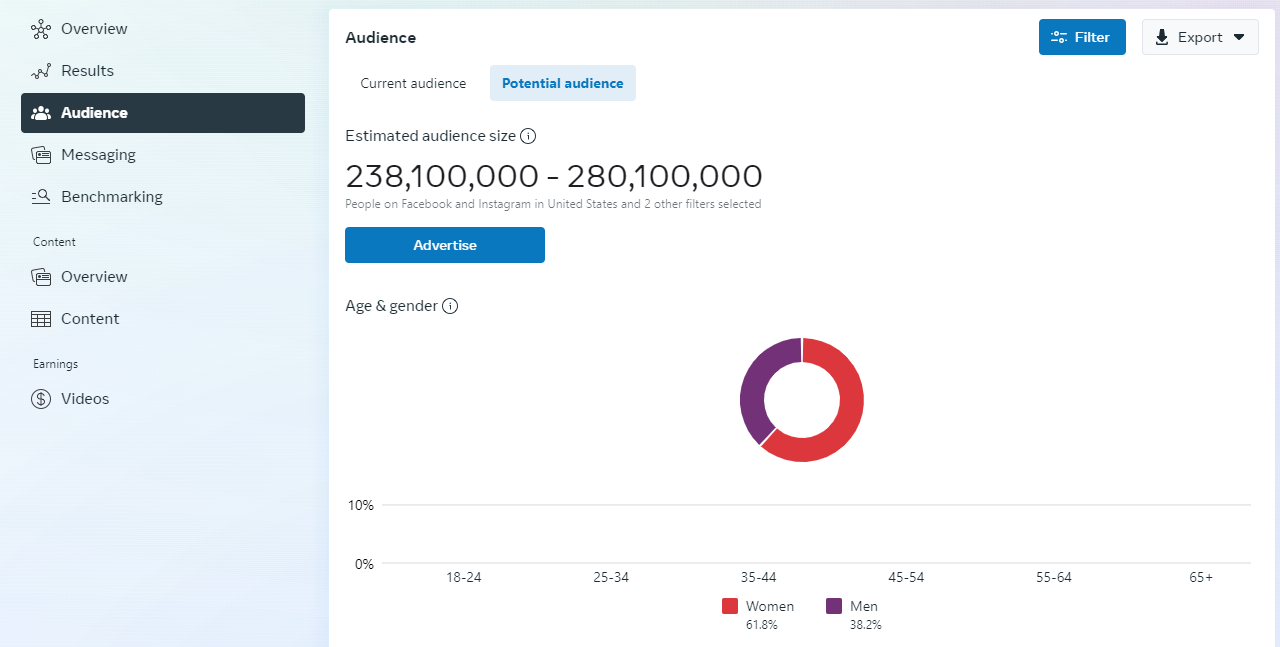
What it is: A free target audience tool for demographic and psychographic data.
Why we like it: A free solution for starting target market research with your Facebook followers.
| Pros | Cons |
| Free | Data limited to Facebook users |
| Demographic and psychographic data access |
5. SurveyMonkey
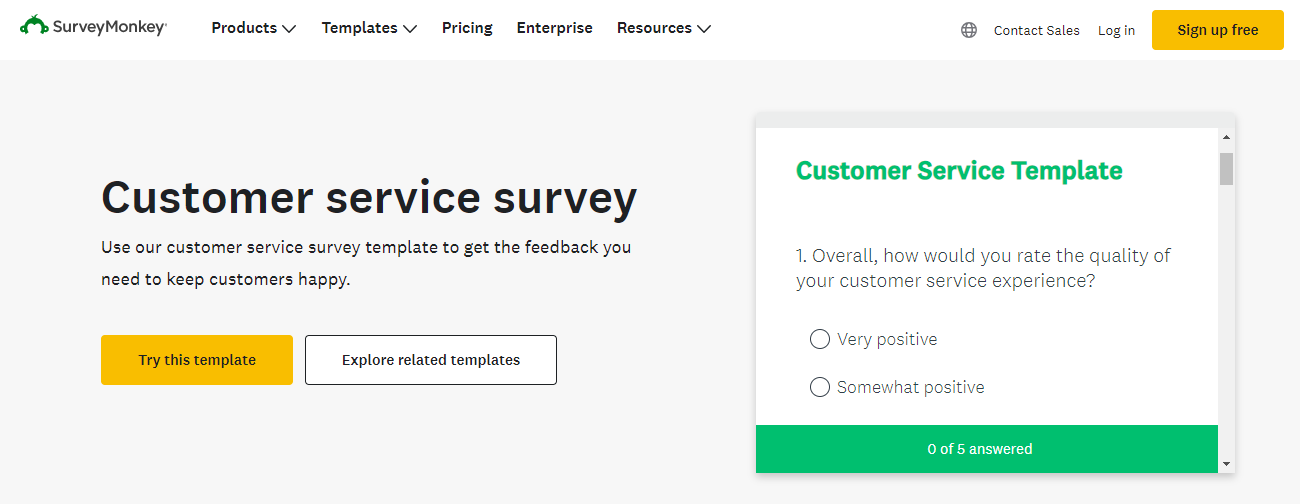
What it is: A free and paid market research tool.
Why we like it: A target market research tool for building audiences, gauging interest, and more.
| Pros | Cons |
| Flexible question formats and logic | Billed annually |
| Advanced audience targeting | Response rate times (dependent on audience targeting) |
6. Audiense
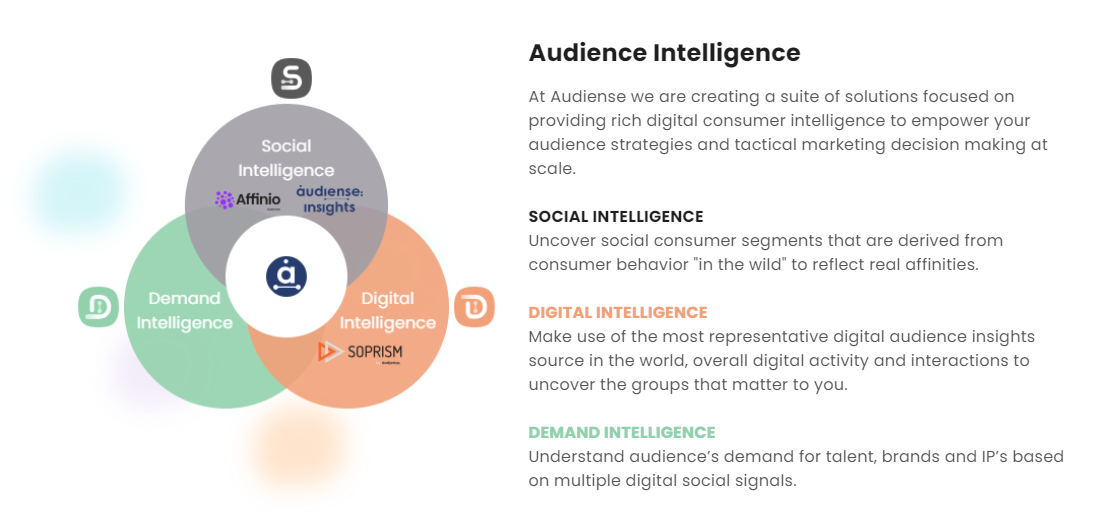
What it is: A paid platform for understanding psychographics data driving user decisions.
Why we like it: A cost-effective target audience analysis tool for understanding audiences.
| Pros | Cons |
| Advanced audience segmentation | Requires subscription |
| Omnichannel support with social media listening | Best for larger brands vs. smaller companies |
| Influencer identification |
7. BuzzSumo
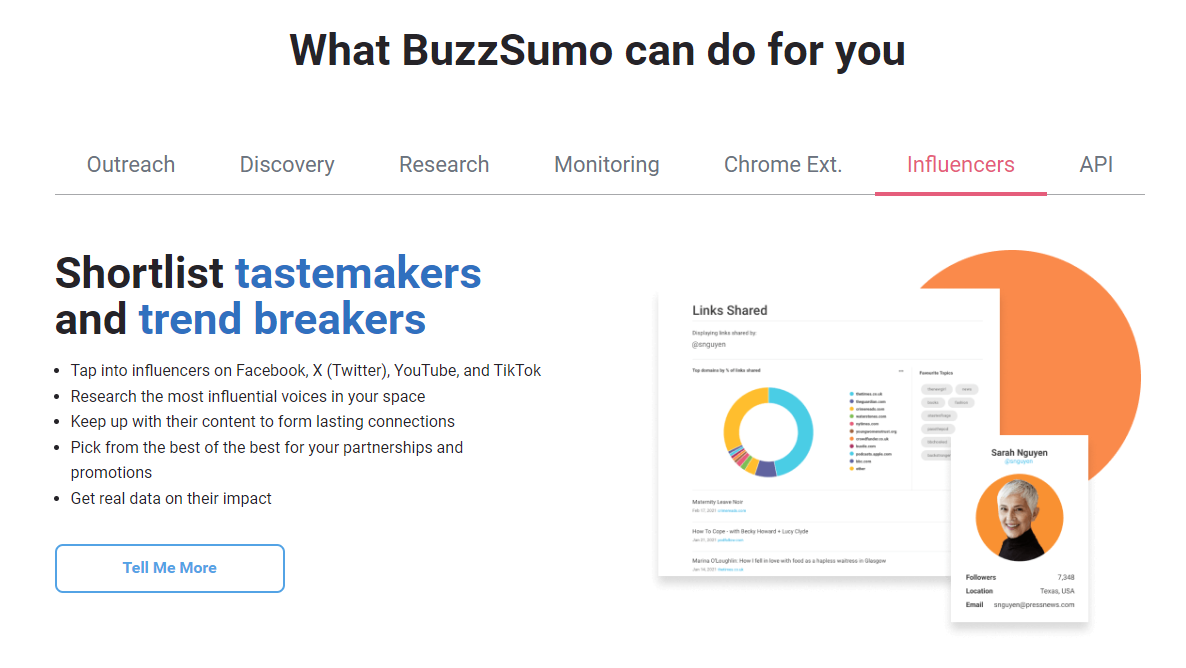
What it is: A paid target audience tool plus a brand monitoring platform.
Why we like it: A popular, reliable, and multi-purpose target audience tool.
| Pros | Cons |
| Identify influencers | Paid |
| Surface popular topics | No demographic data |
How to choose a target audience tool for market research
If you’re selecting a target audience tool for the first time, here are some tips for getting started:
- Determine your budget
- Outline your requirements
- Check your required integrations
- Research your options
- Build your demo calendar
These best practices can help you find a tool that works with your tech and meets your research needs!
Reach (and convert) your target audience with marketing experts
You have the market research tools to find your target audience, but do you have the marketing experts? The company behind SEO.com, WebFX, can help drive traffic, convert traffic, and level up your digital marketing strategy. Request a proposal today to get started!
Let’s Drive Results Together 
FAQs about market research
Learn more about using target audiences for market research below:
What is a target audience?
A target audience is a group or segment within a target market that businesses target with marketing and advertising campaigns. You can create target audiences from multiple factors, including age, location, hobbies, past behavior, and more.
What are the types of target audiences?
The types of target audiences include:
- Demographics, which segments users based on age, gender, location, occupation, income, and family status, like married or single.
- Psychographics, which segments users based on interests, beliefs, social status, and lifestyle.
The difference between the two is that demographics use quantitative data while psychographics use qualitative data. You’ll find the industry debates over which is better, but marketers often say it depends on your goals and channel.
Why create a target audience?
Creating a target audience offers several benefits, including:
- Guide your marketing strategy, like adopting a new social network
- Refine your marketing campaigns, like focusing on one vs. three social networks
- Improve your targeting, like in your ad campaigns
- Grow your return on investment through better-targeted ads
Overall, you can make smarter decisions about your marketing and help your business on multiple levels, from your marketing to your sales to your customer support teams, deliver an experience that persuades, converts, and keeps a user.
How can you segment target audiences?
Segmentation is the next step in target audiences, and you can start by focusing on factors like:
- Location
- Hobbies
- Family status
- Gender
- And more
Mix-and-matching these traits can lead to powerful and effective target audiences, like:
- New parents
- Health-conscious parents
- New grandparents and/or extended family members
- Special needs families
If you don’t know where to start, return to our list of audience research tools!
How can you reach target audiences on the web?
You can reach target audiences on the web through various digital marketing strategies, including:
- Search engine optimization (SEO)
- Pay-per-click advertising (PPC)
- Social media marketing
- Account-based marketing
- And more
The most common strategies businesses use center on SEO and PPC. Together, these offer an effective combination for driving short- and long-term traffic to your company’s website that you can convert into revenue for your brand.

$3bn+
revenue driven for clients



Add WebFX to your content marketing toolbox today
Get SEO Proposal$3bn+
revenue driven for clients
Add WebFX to your content marketing toolbox today
Get SEO Proposal