



Content decay is the gradual decline of a page’s traffic and rankings over time. It typically happens because of outdated information, shifting search intent, stronger competing content, lost or broken backlinks, or technical issues. Fixing content decay can help improve your search performance and make your content more citable by AI engines.
Every SEO has seen it happen. A piece of content that used to sit at the top of page one quietly stops pulling in traffic, and you struggle to pinpoint why.
That slow fade is content decay, and it’s one of the most overlooked drains on organic performance. Rankings slip, sessions drop, and conversions taper off, all without a penalty or an outage to blame.
The good news? It’s fixable — once you know what to look for.
What is content decay?
Content decay is the gradual decline of a page’s organic traffic and rankings over time — it’s a slow erosion (not a sudden drop) that happens during a longer period. Left unaddressed, decaying pages are one of the things that count toward content debt. Decaying can happen to numerous types of pages, including blog posts, landing pages, and product pages.
Signs of content decay
A decaying page usually shows a few of these symptoms, typically at the same time:
- Declining clicks and impressions in Google Search Console
- Falling positions for your primary keyword
- Fewer conversions from the page, even when traffic still looks healthy
- Engagement signals like time on page falling off
- Dropped AI Overview or chatbot citations
Why does content decay happen?
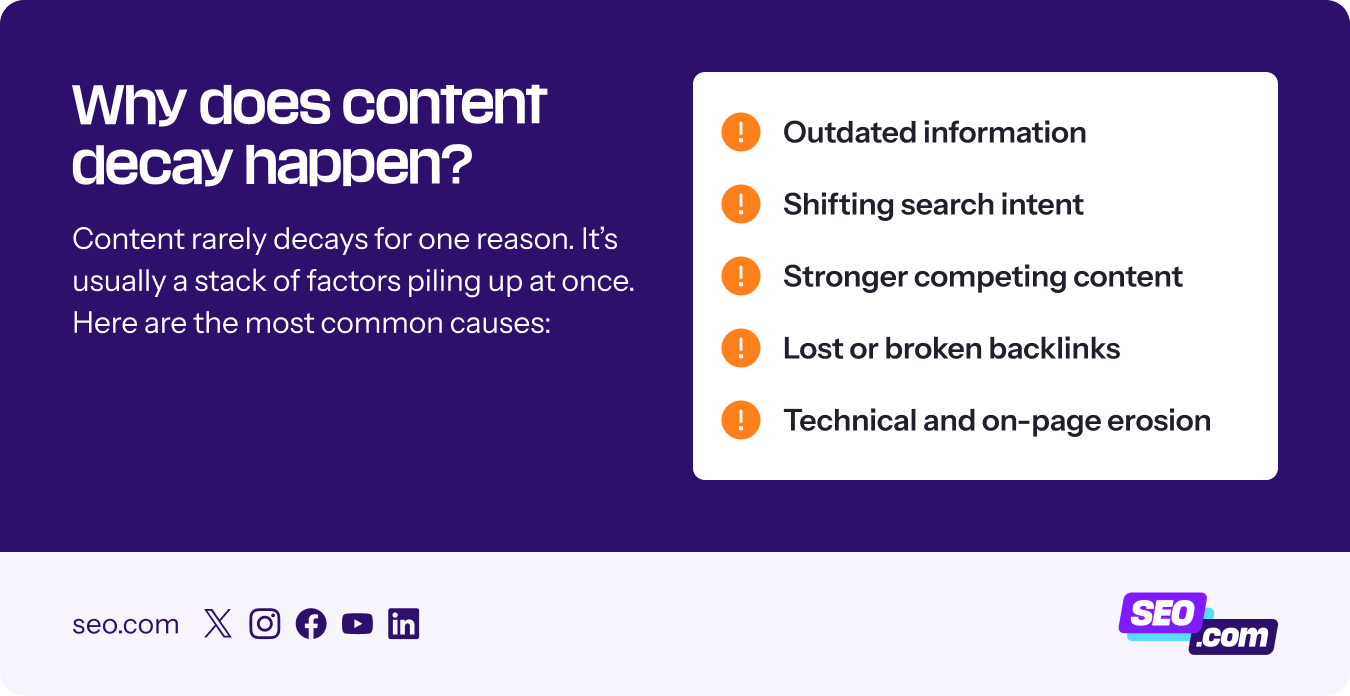
Content rarely decays for one reason. It’s usually a stack of factors piling up at once. Here are the most common causes:
- Outdated information: Old stats, screenshots, and product names make a page feel stale to readers and signal to Google’s helpful content systems that it hasn’t been maintained.
- Shifting search intent: What people want from a query changes over time. Google shifts the results to match what users want, which, if your content doesn’t have the right information, can cause you to fall behind.
- Stronger competing content: Someone publishes a deeper, fresher, better-organized take on your topic, and it slowly displaces you out of the top spots.
- Lost or broken backlinks: The domains that once linked to you 404, redirect, or get pruned themselves, and your authority erodes with them.
- Technical and on-page erosion: Core Web Vitals slip, a redesign strips out internal links, or newer posts start cannibalizing your ranking keywords.
How content decay impacts your performance in today’s search landscape
Decaying content is detrimental to your performance in today’s search landscape because of how AI engines work. AI engines favor content that is accurate, recent, and updated. Content that’s decaying is the opposite of that — it’s outdated and missing search intent (inaccurate, to a degree).
I would make the argument that content decay is actually more important now that AI search is taking over. It’s not enough, anymore, to just have a page that covers a topic on your website. It now needs to be regularly checked for accuracy and refreshed to get cited or mentioned in AI results.
Additionally, decaying content can send bad signals about your brand, in an age where brand perception is crucial to maintain. Since decaying content is often less accurate and less helpful, it can send signals that your brand is not helpful, authoritative, or trustworthy.
And eroding your brand’s trust is a big mistake for AI search.
So, if you have content that’s depleted and not doing what it once did, it’s time to re-evaluate it and get it in better shape.
How to identify content decay
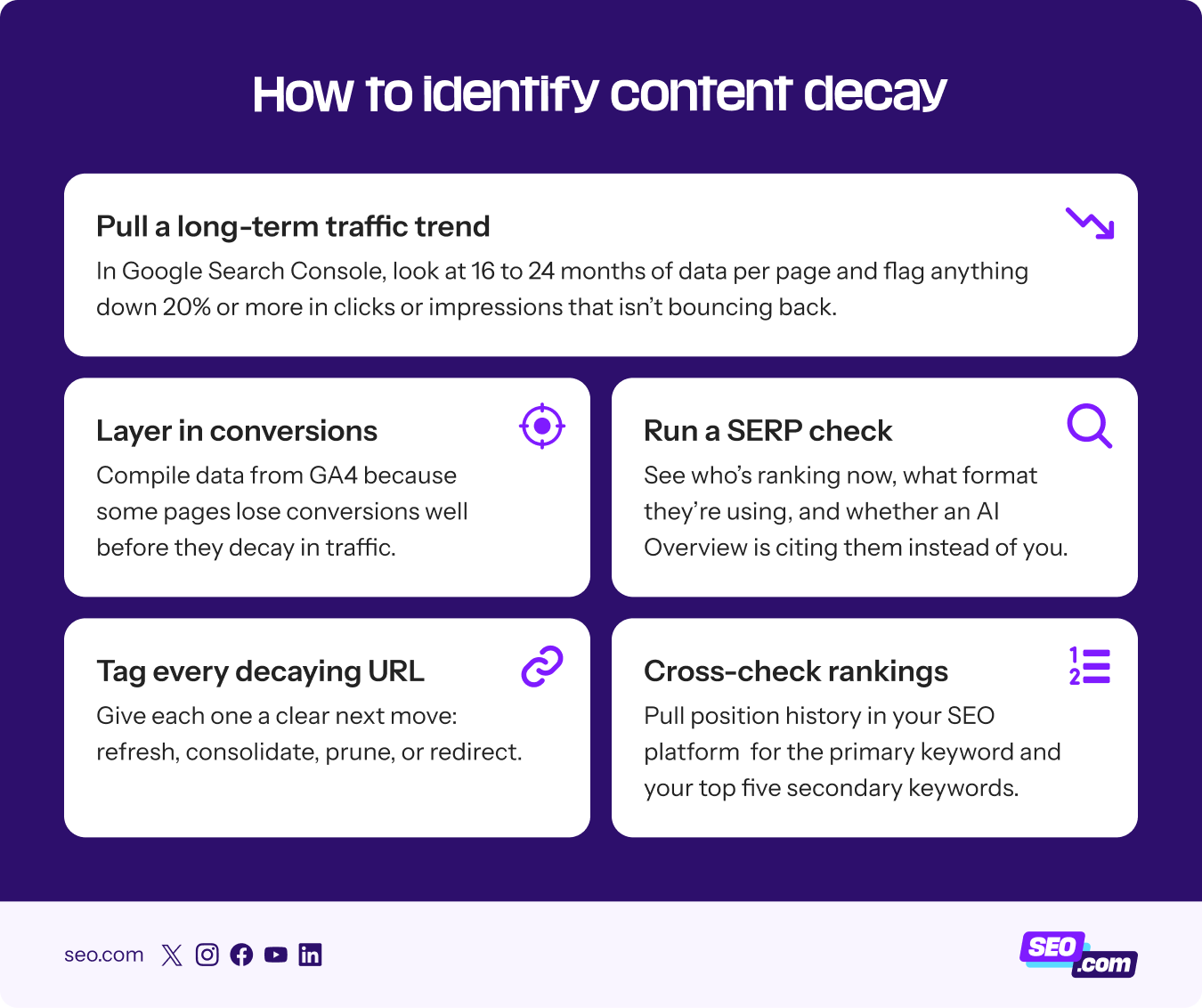
You don’t need expensive tooling to find out why your page isn’t ranking as well, just a repeatable process you run on your highest-value URLs. Here’s a five-step content audit process you can use:
- Pull a long-term traffic trend: In Google Search Console, look at 16 to 24 months of data per page and flag anything down 20% or more in clicks or impressions that isn’t bouncing back.
- Cross-check rankings: Pull position history in Semrush, Ahrefs, or your SEO platform of choice for the primary keyword and your top five secondary keywords.
- Layer in conversions: Compile data from GA4 because some pages lose conversions well before they decay in traffic, and those slip through the cracks.
- Run a SERP check: See who’s ranking now, what format they’re using, and whether an AI Overview is citing them instead of you.
- Tag every decaying URL: Give each one a clear next move: refresh, consolidate, prune, or redirect.
How can you fix content decay?
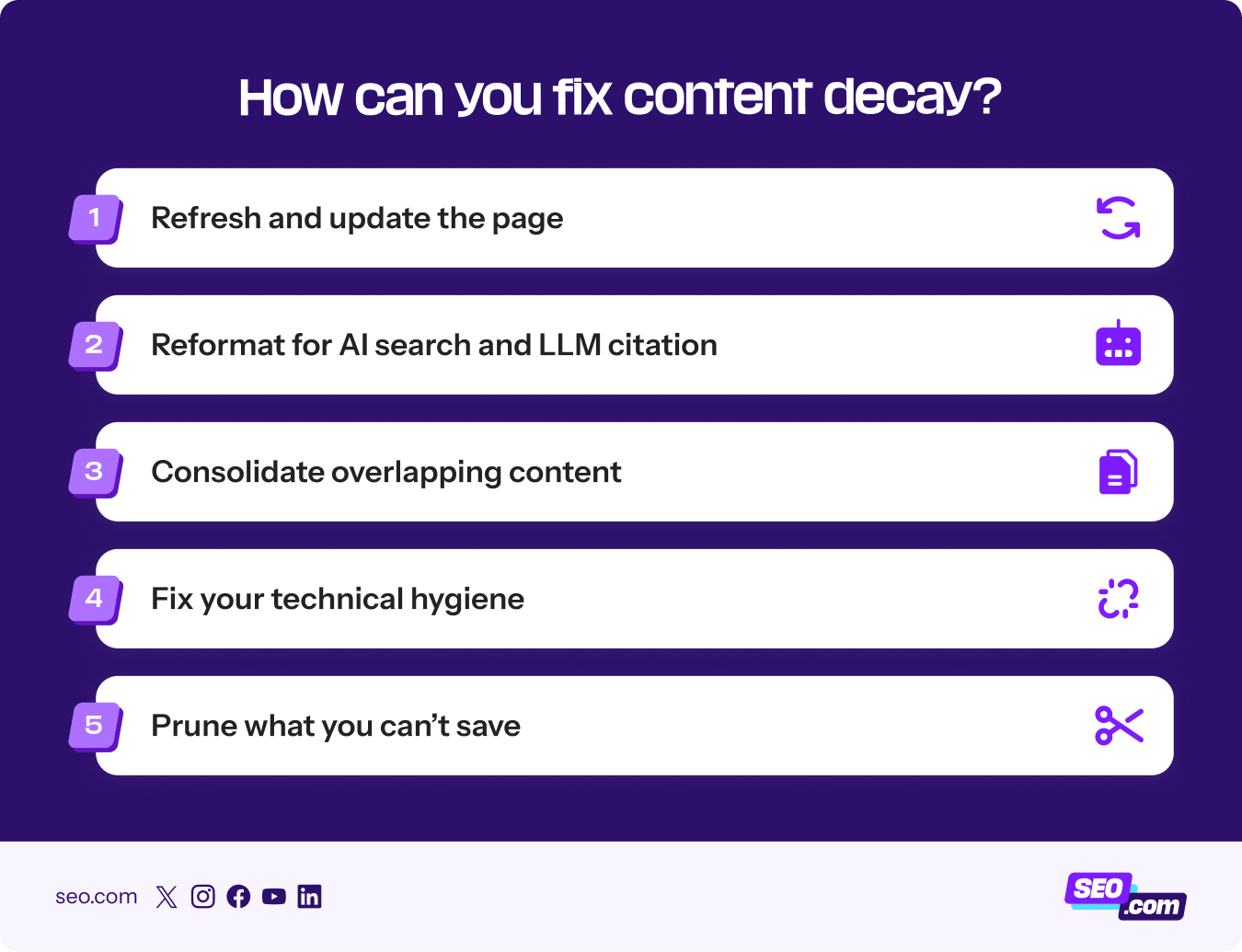
Once your pages are tagged, the fix depends on what each one actually needs. Here’s how to handle the four most common scenarios.
1. Refresh and update the page
Most decaying pages just need a real refresh to strengthen your Experience, Expertise, Authoritativeness, and Trustworthiness (E-E-A-T). Update any stats, screenshots, year references, or product names older than 12 months where possible.
Then re-check the search intent.
If the SERP now rewards a comparison, a how-to, or a listicle, restructure your content to match it. From there, tighten your intro and work in original quotes, expert commentary, or your own data.
2. Reformat for AI search and LLM citation
Create content that makes it easier for AI search platforms to cite and link to your post by doing the following:
- Add a short, 40- to 55-word answer directly under your main heading
- Break the rest of the page into scannable chunks with a clear H2/H3 hierarchy, key takeaways block, and comparison tables
- Reinforce the key entities (people, products, and concepts)
- Add or update your FAQ, Article, and HowTo schema so engines can parse the page cleanly
3. Consolidate overlapping content
If you have more than one piece of content that covers the same topic, it could be causing content decay.
Sometimes, especially when you have a large site with a lot of content, you may not realize that you already had content on a specific topic. Now, you’re splitting authority instead of compounding it.
To fix that, consolidate your overlapping content.
Merge them into one stronger page by 301-redirecting the weaker URL, and repurpose the best parts of each into the remaining page. You can resubmit the page in Search Console so the change registers fast.
4. Fix your technical hygiene
Sometimes the cause comes from the technical side of your website. Have you experienced a recent decay in website load time or do you have a lot of broken links on your website? These could both be contributing to your content’s decay.
First thing you’ll want to do is check Core Web Vitals to see if there are any issues. If you’re seeing slow load times come up, you can make updates to ensure they load better.
Next, run a scan to see if you have broken links. Tools like Screaming Frog can scrape your website to help you find broken links, 404 pages, and errors.
Lastly, check for any additional technical SEO issues, like orphan pages, redirect chains, and more that could be impacting your pages and leading to decay.
5. Prune what you can’t save
When in doubt, prune it out.
If you have a lot of pages that just aren’t doing anything for your website, and you’re struggling to get them to perform better, it may be time to prune them.
Content pruning concentrates your crawl budget and topical authority on the URLs that still earn their keep.
Pruning can be beneficial, too, with the new AI search landscape.
If you have a lot of underperforming content and that content isn’t quite relevant to your business anymore, it can be beneficial to get rid of it.
Here’s the reality: AI is taking branding into consideration when choosing who to cite. It’s looking at the full scope of your brand. If you have a lot of deadweight content that isn’t really helping your site, it can send mixed signals about your brand to AI engines.
So, by pruning that content, you give AI a clearer picture of what your brand is about, while also adding the benefit of pruning content that isn’t helping your website.
Content decay FAQs
Here are a few answers to the most common questions I get:
How often should you update content to prevent decay?
Audit your library quarterly, refresh high-value pages every 6 to 12 months, and revisit any page after a major Google update or industry shift. Building that cadence into your ongoing SEO keeps decay from sneaking up on you.
If you have a “hotter topic” on your website, consider updating that more frequently, as the information probably changes more rapidly than every six months.
Is content decay the same as a Google penalty?
No. Decay is a gradual performance loss tied to relevance, intent, and competition. A penalty is a specific manual or algorithmic enforcement action.
Can you fix content decay without rewriting the whole page?
Yes. A targeted refresh with updated stats, restructured intro, new internal links, and a key takeaways block recovers most of the lost traffic. It’s really about evaluating the page in its current state and determining what would make it perform better to get back on top — sometimes it’s a page rewrite, sometimes it’s smaller updates.
Stop losing traffic to content decay
The pages you’ve already published are some of your most valuable assets, and you don’t have to watch them fade. The simple step is to pick your highest-value decaying URL, run it through the five-step process above, and ship a real refresh this week.
Need help with fixing your content and getting it right? Check out our content marketing services, backed by the team at WebFX, to see how we can help!


Stop Writing Blog Posts that Don’t Drive Results
Let our professional copywriters help create valuable, strategic content that drives qualified traffic to your website!

Stop Writing Blog Posts that Don’t Drive Results
Let our professional copywriters help create valuable, strategic content that drives qualified traffic to your website!
Writers