Understand your site’s SEO performance and get custom recommendations for improving your rankings and traffic.
Inside your free website SEO Checker report, you’ll find:
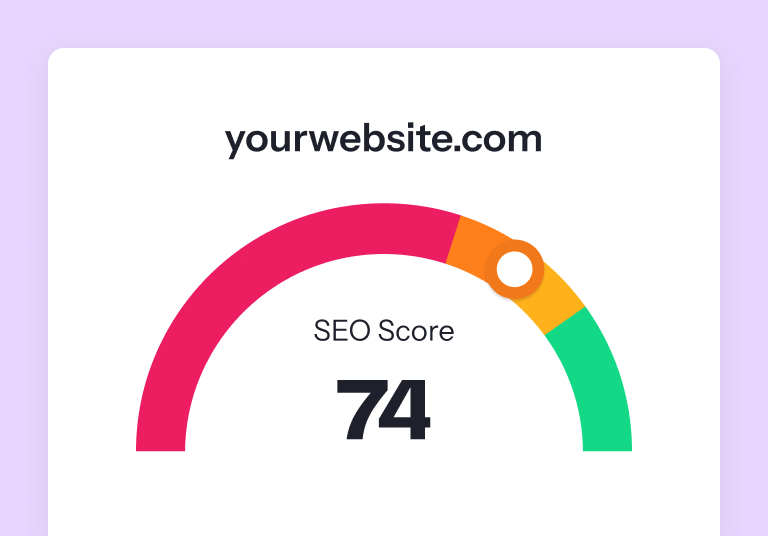
Your SEO score, which summarizes the health of your site’s SEO
Where your site has SEO issues
How to fix your site’s SEO issues
Which fixes to prioritize, based on SEO impact
Resources to learn more about SEO issues specific to your site
Featured in
Analyze your sEO performance now
"*" indicates required fields
How it works
Step 1: Enter your website URL
Start by typing your domain into the SEO Checker form so we can scan your site for technical and on-page SEO issues.
Step 2: Add your name and email
Enter your name and a valid email address so we can deliver your full SEO audit straight to your inbox.
Step 3: Run your free SEO audit
Click “Check My SEO Now!” to launch your site analysis and uncover key SEO issues, opportunities, and quick wins.
Step 4: Review your personalized SEO insights
Get a detailed report covering your SEO score, site health, errors, improvements, and prioritized fixes to boost visibility.
Understand your SEO Checker results
SEO Score
Your SEO score is between 0 and 100. A score between 0 and 40 means you need dramatic improvements. A score between 41 and 69 means you SEO is okay but needs work. A score between 70 and 100 means your SEO is in good shape, but could be even better with a few optimizations.
Site Speed Analysis
Discover if your website speed is holding you back. Learn whether your pages load quickly for users and search engine crawlers. Receive recommendations for speeding up your website, too.
URL Optimization Check
Find out if your URLs are friendly for search engines and users. This section of your SEO checker report will analyze keyword use and length to determine how well they’re optimized.
Meta Tag Assessment
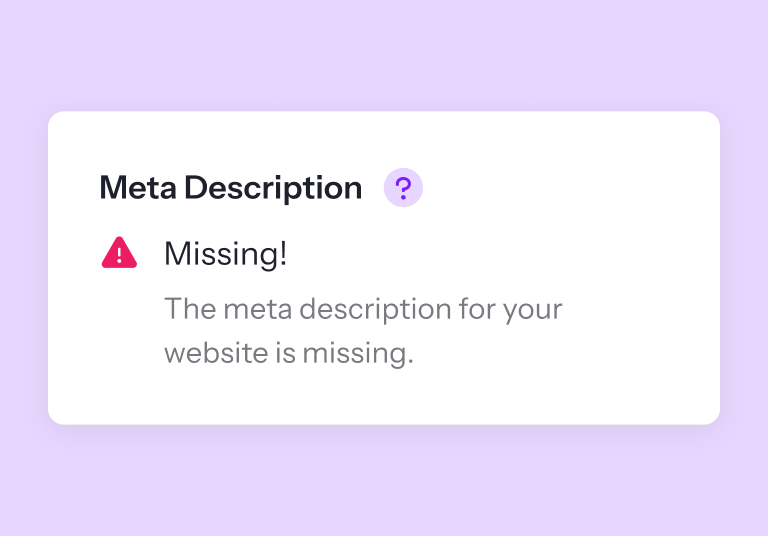
Are your meta descriptions turning users and traffic away? Your SEO Checker report will spot issues with your meta descriptions and provide you with insight on what you need to do to improve them.
Content Grade
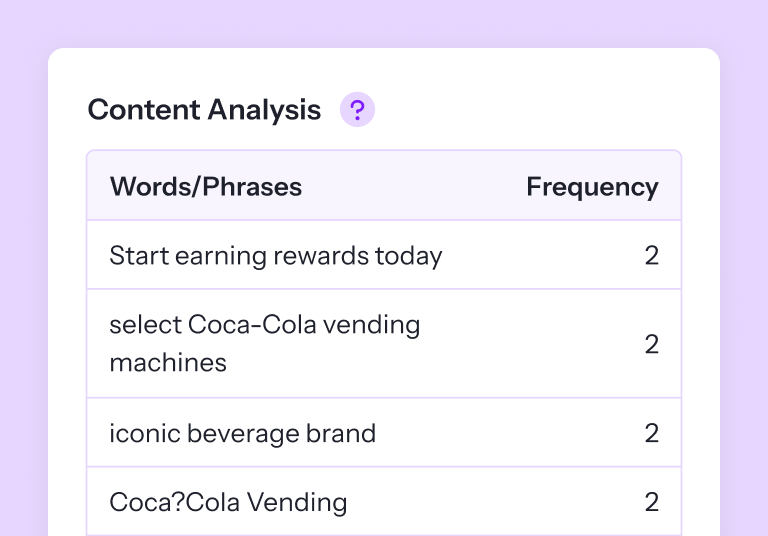
Our free SEO checker will also evaluate whether your content needs to be optimized to earn higher rankings in the search results by assessing its length, keyword use, and other SEO best practices.
Image Optimization
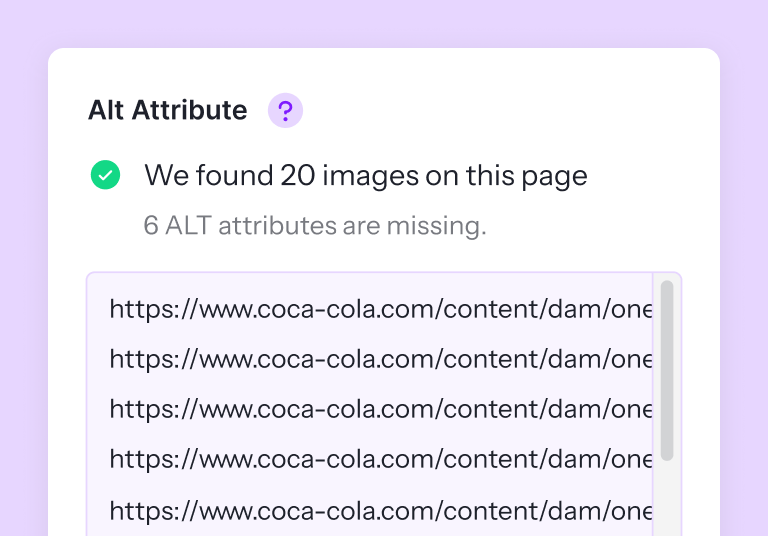
Do your images have room to improve? Discover images with missing alt text and images that you should compress in your SEO Checker report.
Code Analysis
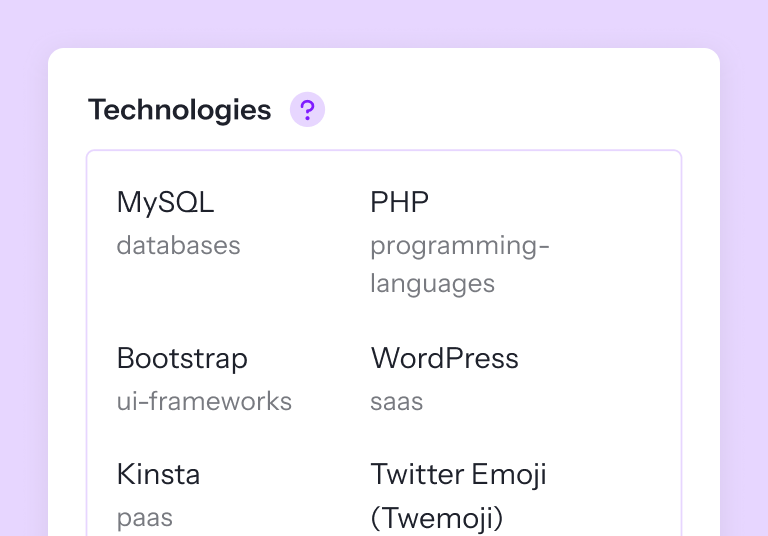
Get insights into the tech you (or the competition) uses to optimize, track, and measure site performance with our code analysis.
In-Page Link Audit
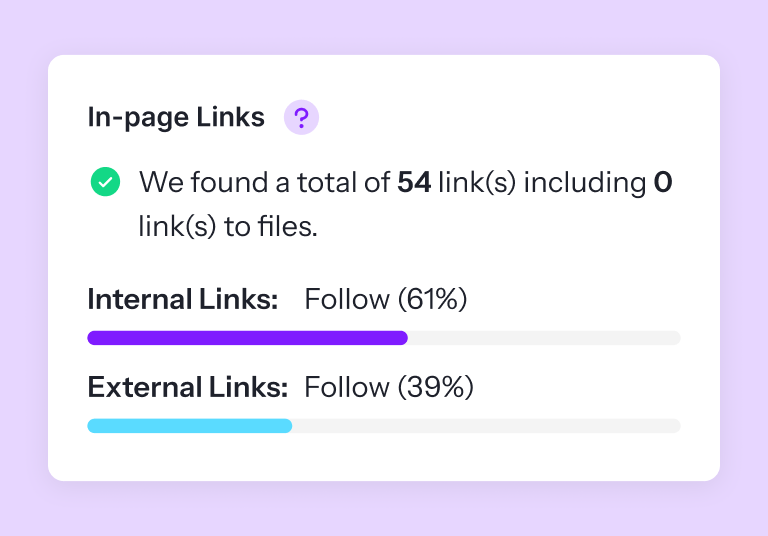
Your free SEO audit gives you a breakdown of internal links vs. external links to your website. You can see the anchor text, type of link (internal or external) and whether it’s a follow or nofollow link.
Site Security Score
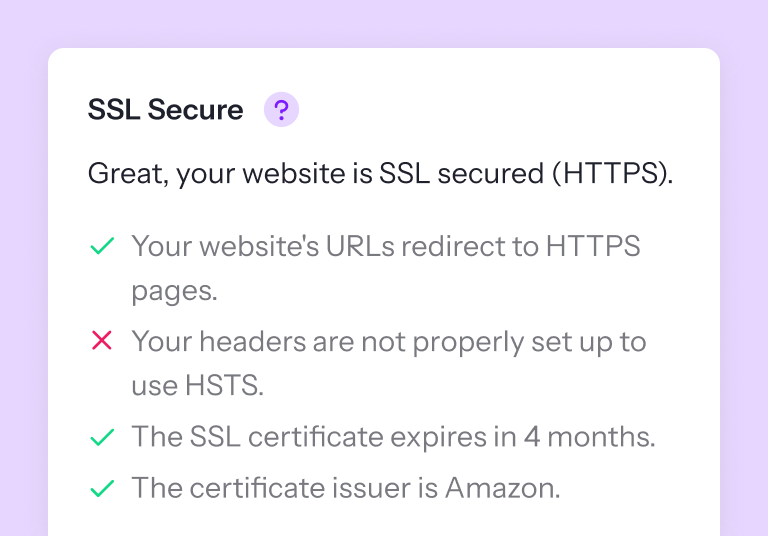
Is your website safe and secure? Search engines want to ensure users are protected when browsing and interacting with websites that appear in the search results. The security portion of your free SEO checker report tells you if your website is secure and what you need to improve.
Mobile-Friendly Check
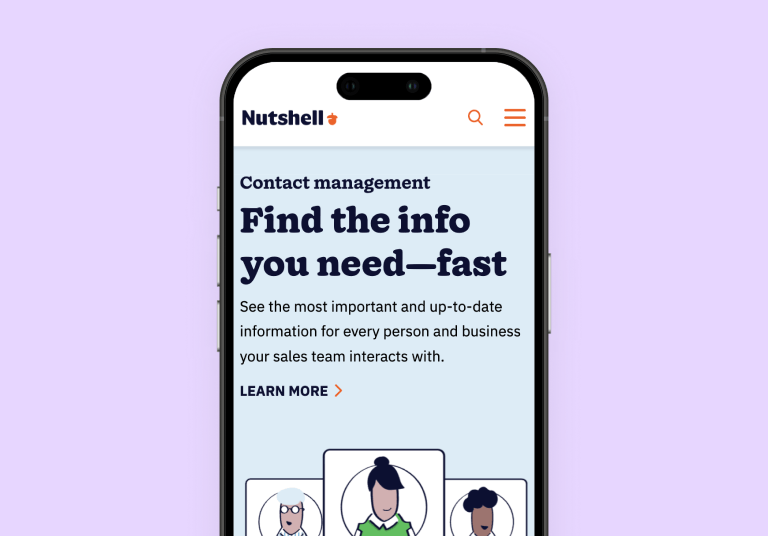
Can mobile users navigate and interact with your website easily? SEO Checker will assess your website’s mobile-friendliness and give you a preview render of how your website looks on mobile!
Crawl & Indexation Analysis
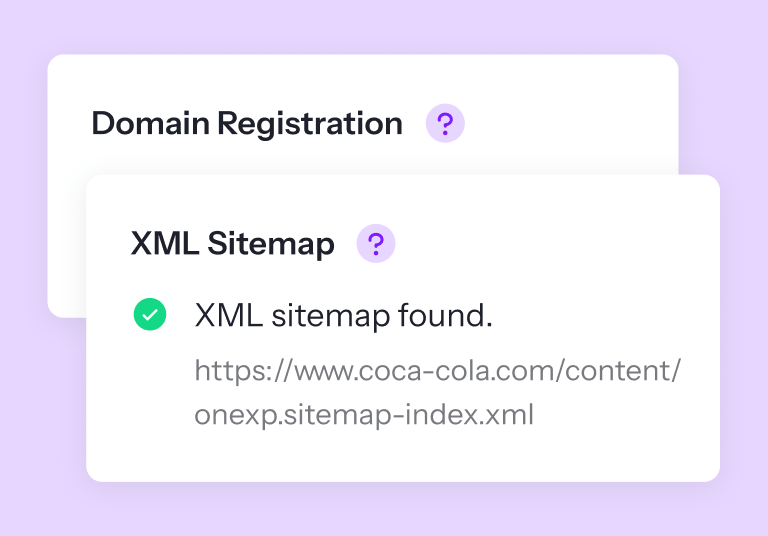
Our free SEO analysis tool will help you understand whether search engines can crawl and index your pages. You’ll better understand if your website can be shown in relevant search results by analyzing your sitemap and robots.txt file and sharing optimization recommendations in your report.
FAQs about our SEO checker
What does our free SEO analysis tool check?
Our SEO Checker audits several SEO factors on your website to evaluate its current performance and identify issues preventing your site from earning higher rankings.
Here are some of the factors our free SEO website checker will uncover:
Page load speed
Title tag optimization
Meta description optimization
Heading optimization
URL optimization
Mobile-friendliness
Images
Backlinks
Content
And more!
How do I read my SEO report?
After you enter your website or page URL, name, and email address, the SEO Checker will audit your website in 60 seconds or less. Then, it will generate and display your report on the screen to view.
Can I check multiple pages at once?
You can check one page at a time with SEO Checker. Alternatively, you can enter your website URL to give an overview of your entire site’s SEO performance.
What is an SEO website checker?
An SEO checker is a tool that crawls websites and pages to audit their SEO performance. It identifies critical SEO issues and generates a report to help you improve your search rankings and traffic.
How does an SEO checker work?
An SEO website checker crawls websites in a similar way to search engine crawlers. It then evaluates several SEO factors on your website, such as title and meta description optimization, mobile-friendliness, and page load speed. It will then generate an SEO score based on how well your site performs in relation to these factors and highlight current SEO issues that you can solve to improve your performance and score.
SEO Checker is powered by WebFX, the world’s leading AI-driven SEO and digital marketing partner. With 650+ experts across SEO, AI, CRO, and analytics, we bring the scale, experience, and innovation that enterprises need to succeed in the AI era.
Uh oh! Looks like you need to improve these areas most.
Content
Content is an essential part of your SEO strategy. From product pages to blog posts, you want to optimize your content for search engines and users to get the most value from it. That's why our SEO checker takes a 360-degree look at your website's content and its SEO.
Title Tag
Length: character(s) ( pixels)
No title was found.
SEO.com's Title Tag Tips:
Limit title tags to 55 characters
Place your core keyword at the start of your title tag, if possible
Make title tags transparent, but also enticing for your audience
Meta descriptions allow you to influence how your web pages are described and displayed in search results. A good description acts as a potential organic advertisement and encourages the viewer to click through to your site.
Keep it short and to the point; the ideal meta description should be between 70 and 160 characters spaces included (400 - 940 pixels).
Ensure that each of your web pages have a unique meta description that is explicit and contains your most important keywords for each page. These keywords are especially important because they appear in bold when they match the user’s search query (See the Google Preview below).
Check your Google Search Console (Search Appearance > HTML Improvements) for any warning messages to identify meta descriptions that are too long/short or duplicated across more than one page.
People find content online through search engines, which is why it's vital to get your website crawled and indexed by search engine crawlers, like from Google or Bing. With our SEO checker, you can learn your site's index status, plus if it follows best practices for robots.txt files and XML sitemaps.
URL Resolve
Warning, no 301 redirects are in place to redirect traffic to your preferred domain. Pages that load successfully both with and without www. are treated as duplicate content!
URL
Resolved URL
No urls were identified.
SEO.com's URL Resolve Tips:
Ensure content redirects to the correct version of your site, like example.com to www.example.com
Use your .htaccess file to create redirects to your preferred domain
Create redirects when moving to a new domain name, versus allowing the old site to expire
Your site currently has a robots.txt file. You can use Google Search Console's Robots.txt Tester to submit and test your robots.txt file and to make sure Googlebot isn't crawling any restricted files.
A robots.txt file allows you to restrict the access of search engine crawlers to prevent them from accessing specific pages or directories. They also point the web crawler to your page’s XML sitemap file.
No robots.txt file was found.
SEO.com's Robots.txt Tips:
Test your robots.txt file with the Google Search Console robots.txt tool
Prevent search engines from crawling duplicate content, like PDFs, with your robots.txt file
Use your robots.txt file to direct crawlers to your XML sitemap
Mobile is a big part of SEO. Search engines like Google use mobile-friendliness as a ranking factor for search results, which is why businesses can't wait when it comes to building a mobile site. Learn where your site stands when it comes to mobile-friendliness by checking out your results now!
Mobile Friendliness
This web page is not optimized for Mobile Visitors.
SEO.com's Mobile-Friendliness Tips:
Have a responsive design versus a separate mobile site
Limit the use of plugins like Flash, Java, and Silverlight
Use AMP to improve the speed of pages on mobile devices
Tap Targets
Tap Target
Size
Overlapping Target
Perfect, your page’s tap targets are big enough and have enough space between them.
SEO.com's Tap Targets Tips:
Increase your navigation menu’s padding by 5-10 pixels
Make your company logo a link to your website’s homepage
Try heatmaps to learn how users interact with your site and where they encounter issues
Mobile Viewport
Great, a configured viewport is present.
The content fits within the specified viewport size.
No viewport was detected
SEO.com's Mobile Viewport Tips:
Use the meta viewport tag in the head tag
Skip using fixed-width elements, like large images
Use relative, versus absolute, width values in your CSS
Mobile Rendering
The Mobile Rendering was not able to be generated.
Structured Data
Structured data, also called schema markup, tells search engines about your content. Search engines use structured data to learn more about your content and get definitive answers about its purpose and focus. Is your site using structured data correctly, though? Our SEO checker has your answer!
Schema.org
We didn't detect any schema.org items on your webpage
SEO.com's Schema.org Tips:
Generate structured data for existing pages with Google’s Structured Data Markup Helper tool
Format structured data as JSON-LD versus microdata
Check structured data for errors with Google’s Structured Testing Tool
A secure website is essential. You don't want to shop on or provide personal information to a site that isn't secure — and nobody else does either! It's essential to build a secure site because it'll help your business rank higher in search results and get more value from its traffic.
Email Privacy
Warning! email addresshas been found in plain text.
Good, no email address has been found in plain text.
SEO.com's Email Privacy Tips:
Avoid adding email addresses to your site, whether as links or plain text
Replace email addresses on your website with contact forms
Create a dedicated email address to receive contact form submissions
SSL Secure
Great, your website is SSL secured (HTTPS).
Your website's URLs redirect to HTTPS pages.
Your headers are properly set up to use HSTS.
The SSL certificate
The certificate issuer is .
Warning! No SSL certificate was detected.
SEO.com's SSL Tips:
Set a reminder to renew your SSL certificate each year
Redirect your HTTP pages to HTTPS after purchasing your SSL certificate
Update your XML sitemap and robots.txt file after installing your SSL certificate
People reward speed, and so do search engines. A site that loads in two seconds or less performs better when it comes to conversion rates, as well as search engine results. With our SEO checker, you can learn how to improve your website's speed and get all the benefits of a fast site.
Asset Minification
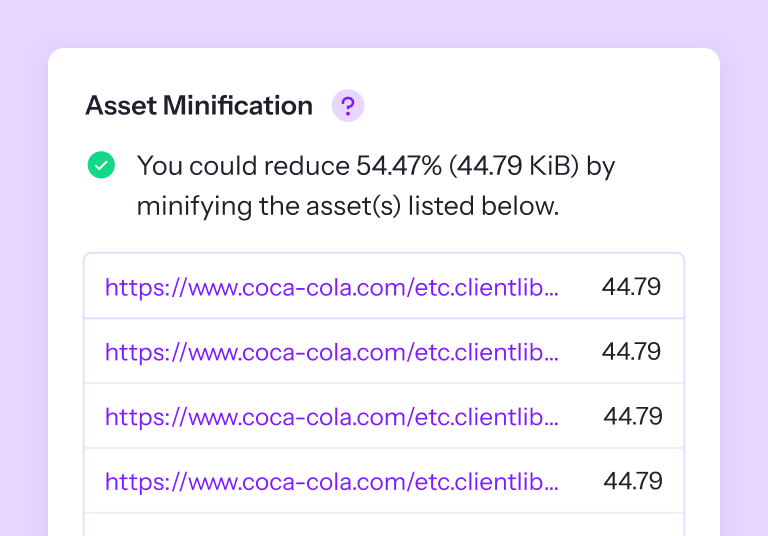
You could reduce % ( KiB) by minifying the asset(s) listed below.
The technologies powering your site and digital marketing strategy can help your business make the most of SEO. That's why our SEO checker looks at your server, plus your website's technologies. These pieces of tech can range from essentials, like Google Analytics, to optional tools, like Facebook Pixel.
Server IP
Server location:
A content delivery network (CDN) can help users access your website faster by delivering your content sooner via a network of geographically distributed servers.
Not identified.
Technologies
No technologies were detected.
Analytics
No Analytics Technologies were found.
Branding
Your brand carries immense value. Following branding best practices, like featuring your brand name in your website URL, can help your business send positive signals to users and Google about "who" you are, like "Google" the search engine or "Google" the Internet provider. That's why our SEO checker looks at a few key areas of your branding.
URL
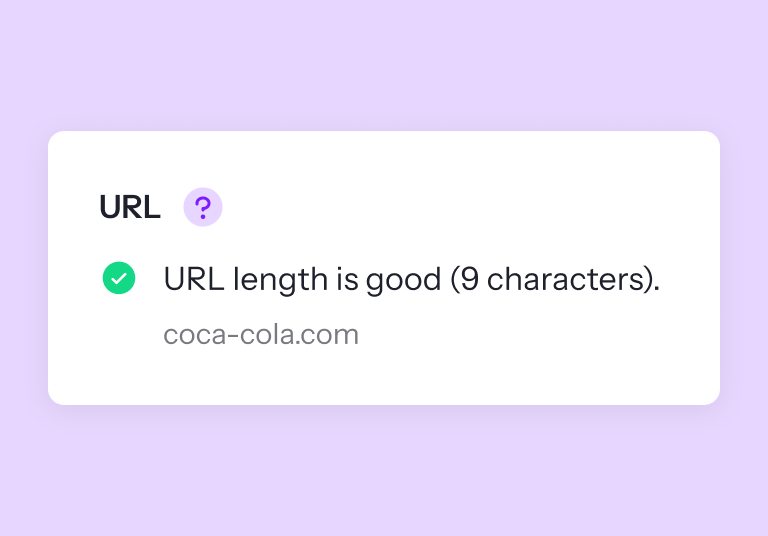
Length: character(s)
No URL was found.
SEO.com's URL Tips:
Include your core keyword in your URL
Separate words with dashes
Write URLs in lowercase, without apostrophes or other special characters
Your domain is one of the most important parts of your website. It should be short, concise, and mention your brand name if possible. Try not to include numbers, underscores, or random letters as it can make your domain hard for Google (and users) to understand and remember.
Domain Registration
The info related to the Domain Registration was not found.
Backlinks are one of the most influential SEO ranking factors. Your backlink score is an analysis of your link profile and looks at the quality and quantity of your backlinks. Earning more high-quality backlinks indicates to Google that your site is authoritative and trustworthy, and results in a higher backlink score.
Backlinks Score
Very Good
The backlinks score was not able to be calculated.
SEO.com's Backlink Tips:
Focus on quality versus quantity
Create useful content, like tools and guides, related to your industry
Avoid buying links and any unethical link building practices
It's good to keep tabs on where your site traffic is coming from. This can show you who your website is reaching, and where your audience resides. Your traffic rank shows your website's popularity in the world, and your visitor localization gives you information on the other countries where your website is popular.
Your availability in local directories can make or break the attention you get from customers who are geographically close to your business. Be sure to create a free Google My Business page for your company so that you appear in searches for local keywords.